1. Navigate to MyFluxys 

Open your web browser and navigate to MyFluxys. 

  1. Enter your email address 

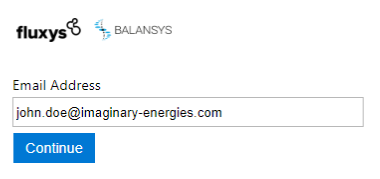
Enter the email address that has been used to set up your account on MyFluxys. After entering the email address, click the Continue button. 


image-20250519-142345.png
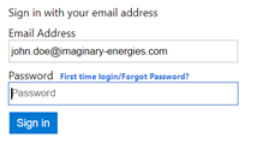
  1. Click on “Forgot Password?” 


image-20250519-142457.png
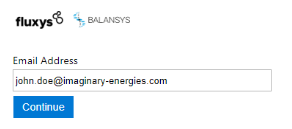
  1. Confirm email for which you want to modify the password 


image-20250519-142512.png
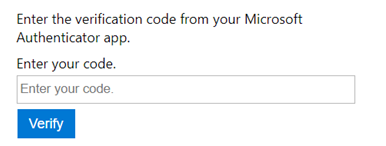
  1. Enter your verification code 

Open your Authenticator app and enter the verification code. Then, click on Verify. 


image-20250605-112809.png
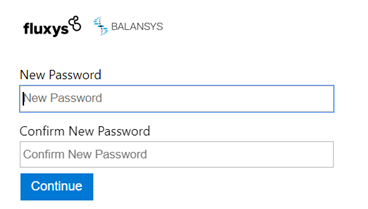
  1. Choose your new password and confirm 

Once your password is chosen, click on Continue. 


image-20250605-112839.png